
Your restaurant on Google. And bookable.
When someone searches “Italian restaurant Madrid” on Google, your listing shows up with a “Book a table” button. Reserver syncs live availability with Google and manages the bookings that come in.
- Official Google Reserve API v3 integration
- Real-time availability sync
- Bookings arrive with full guest data
- No per-booking commission
The button Google drops on your listing.
Google Reserve is the programme that lets guests book a table directly from Google Maps, Google Search, and Google Assistant, without leaving Google. The guest sees real slots, picks one, enters their details, and gets confirmation — all before reaching your site. The booking lands in your Reserver dashboard like any other.
- "Book a table" button on your Google listing.
- Real slots, not generic forms.
- Guest stays in Google during booking (less friction).
- Full booking arrives in your dashboard: name, email, phone, party size.
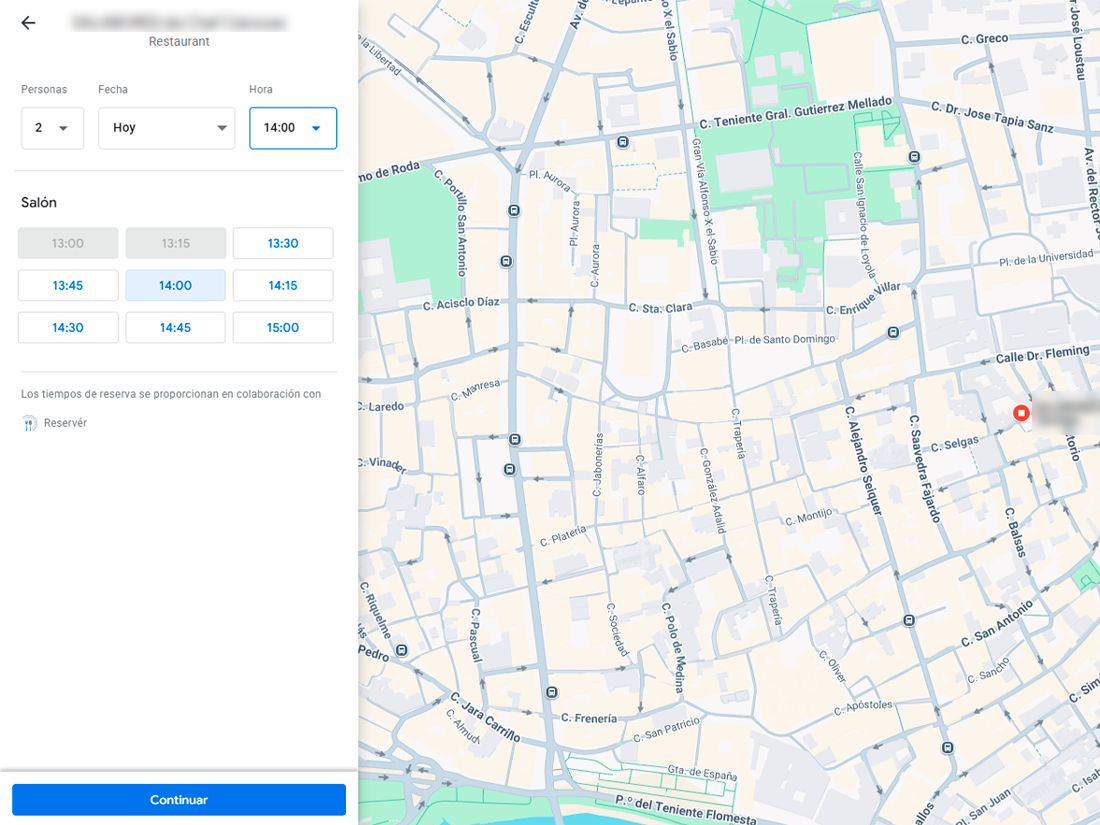
Availability updates live, not hourly.
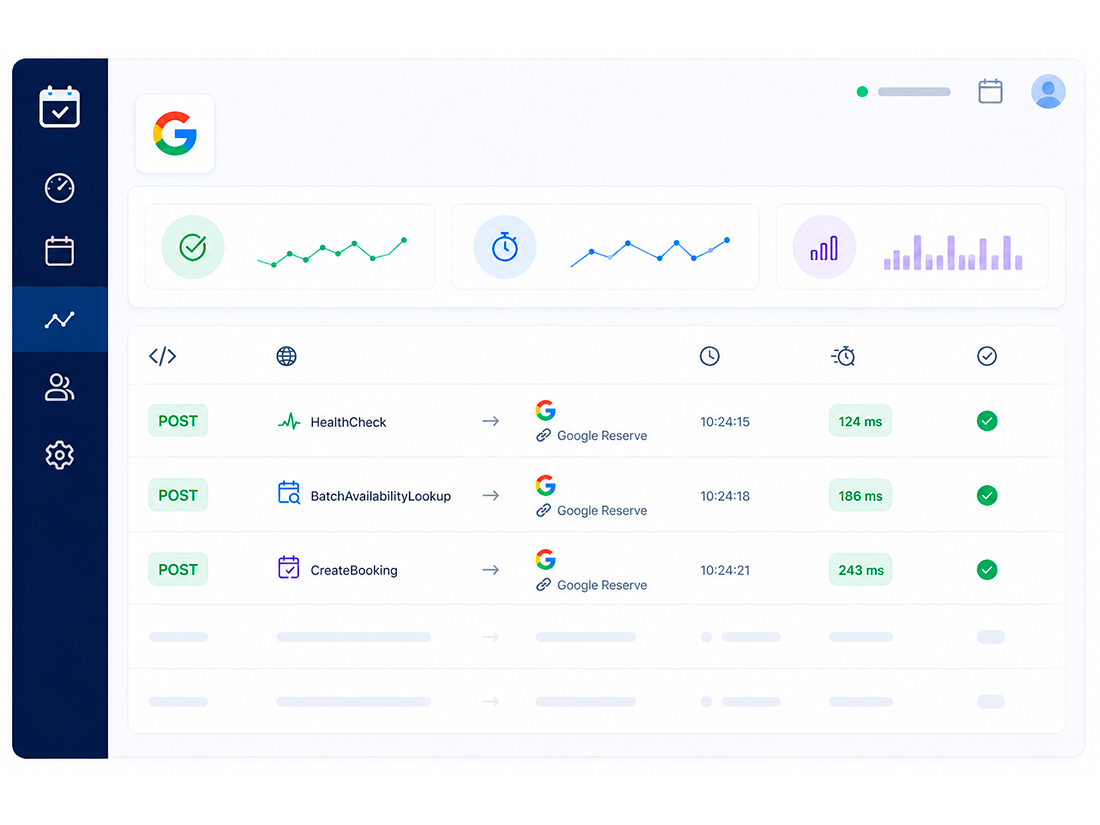
Reserver implements the official Google Reserve API v3 endpoints (HealthCheck, BatchAvailabilityLookup, CreateBooking, UpdateBooking, GetBookingStatus, ListBookings). The availability a guest sees on Google is the same as the one in your widget — not a stale copy.
- Official v3 endpoints (current standard, not deprecated versions).
- Push updates: changes in your dashboard land on Google immediately.
Your guests are already on Google. Let them book there.
Most restaurant searches start and end on Google. If the guest has to leave Google, open your site, and fill in a form, you lose people along the way. Google Reserve reduces the steps to almost zero — and captures guests who weren’t specifically looking for you.
- Capture generic searches ("restaurant near me").
- Better visibility in the Local Pack and Maps.
- Less abandonment: book without leaving Google.
- No commission (direct contract between you and Google via Reserver).
What to be clear about up front.
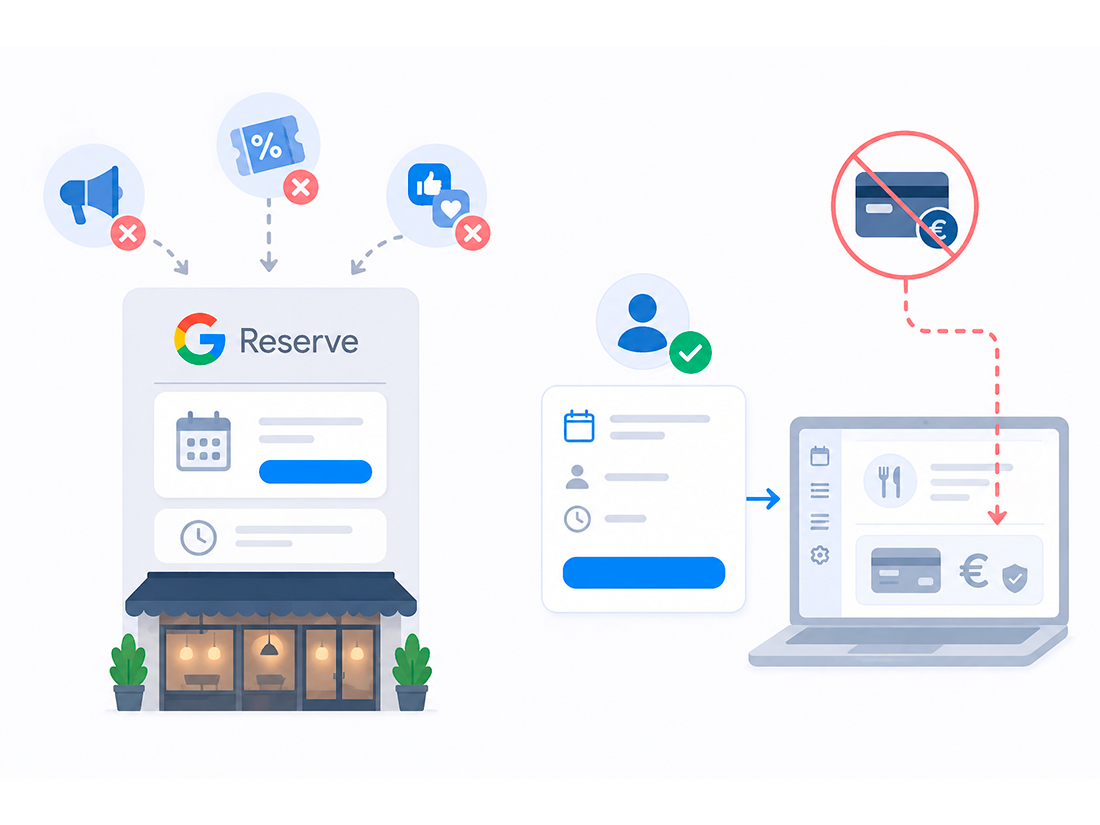
Google Reserve isn’t a promotion platform — it’s a booking channel. It doesn’t attract guests on its own; it amplifies those already looking for you or for your type of restaurant in your area. It also doesn’t include payments: if you want payment or pre-auth, it happens in your dashboard after the booking arrives.
The typical impact of turning Reserve with Google on
More passive bookings
Capture last-minute searches ("near me tonight") without SEO work or paid ads.
Zero friction
Full booking in 20 seconds on mobile, without leaving Google Maps.
A second measured channel
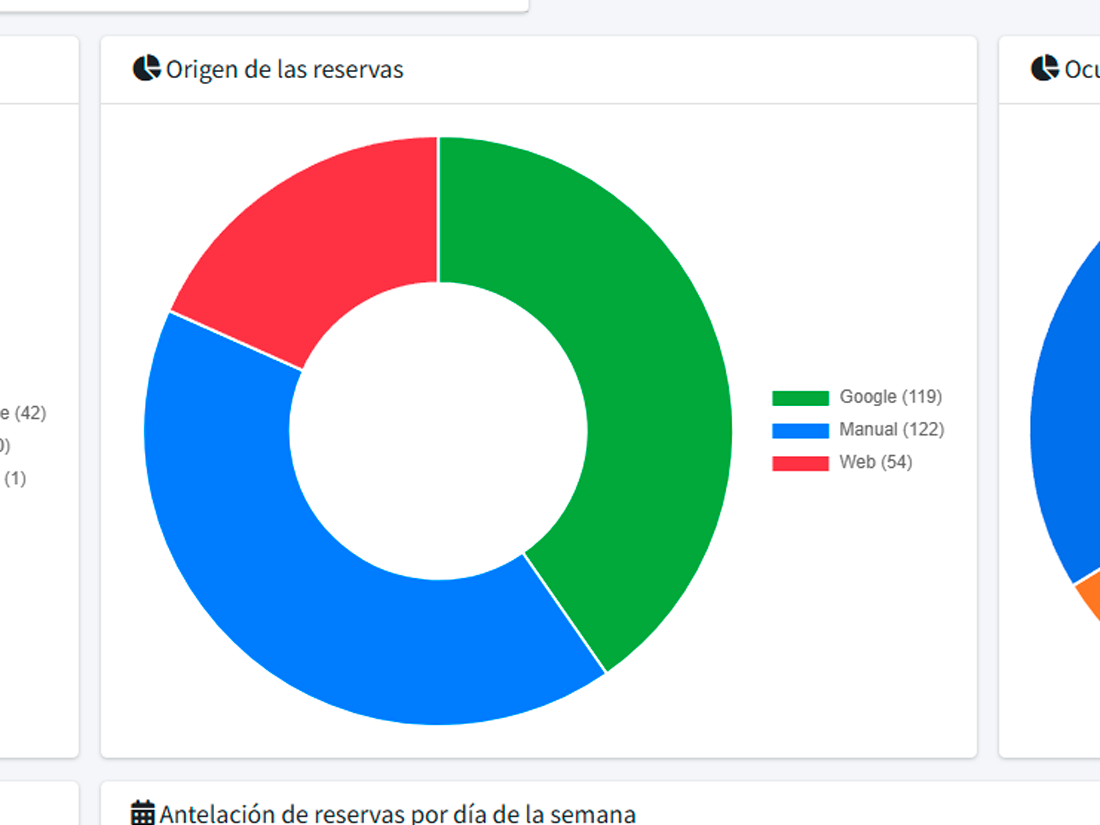
Source analytics show how many bookings come from Google vs other channels.
What people usually ask
What do I need to activate Reserve with Google?
Does it work in every country?
Is there an extra cost?
Can I control which slots I show on Google?
What if I change a booking that came from Google?
Show up next to your Google listing with a “Book” button.
Activated during onboarding. No extra cost. No commission per booking.