Live service, on a single screen.
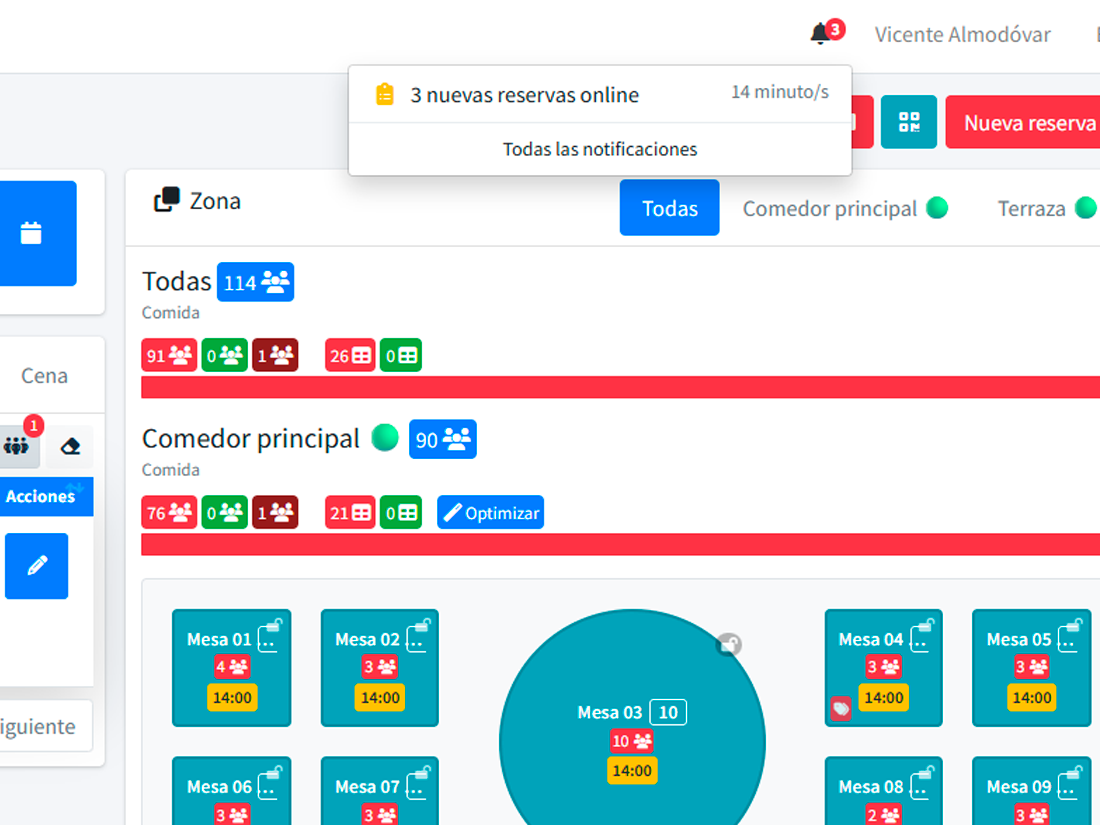
The desktop is the view you keep on the host stand’s tablet. Every reservation today, sorted by service and zone, with one-tap booking, walk-ins and a QR reader. When a new booking lands, the screen updates itself.
- Real-time view, no manual refresh
- Day, service, and zone selectors
- One-tap new reservation or walk-in
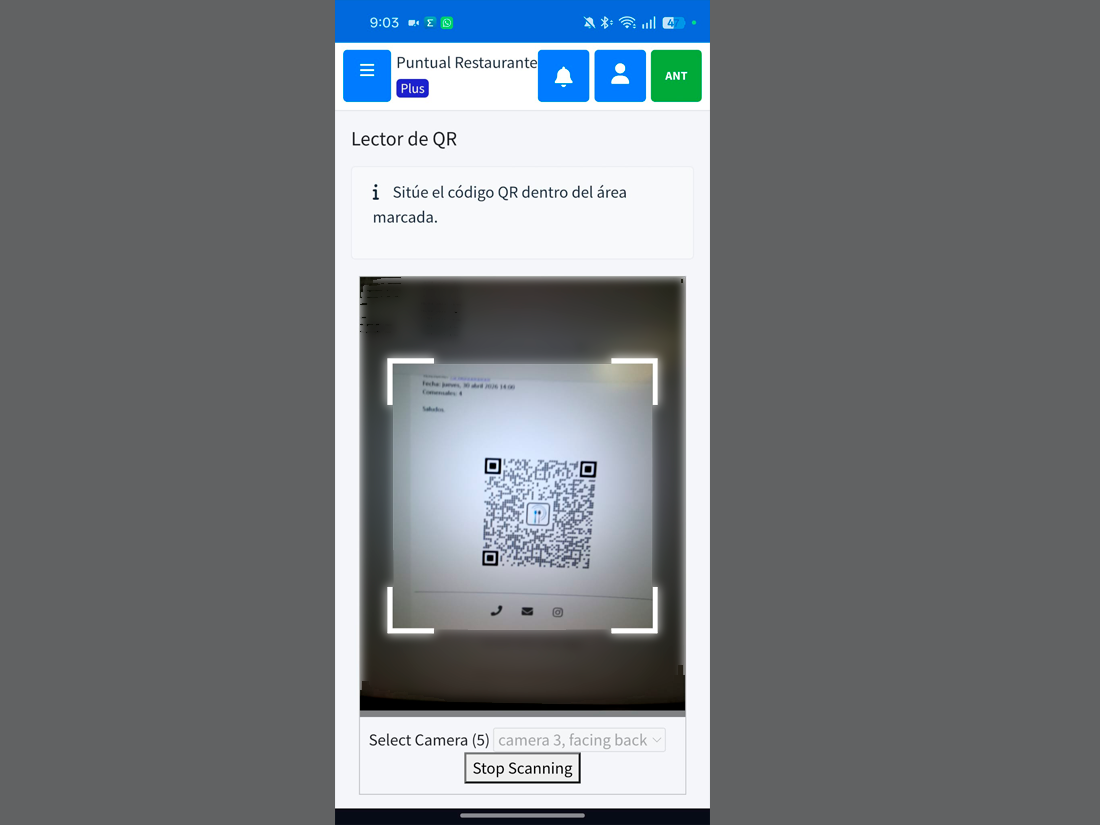
- Built-in QR reader for arrival check-in
What changes here shows there. No F5.
The desktop is a real-time panel: reservations, tables, states. If an operator edits a reservation from another device, the stand’s screen reflects it instantly. States are painted in clear colours (pending, confirmed, seated, completed, no-show). One glance tells you how service is going.
- Low-latency WebSocket: updates land before your mouse does.
- Day picker with calendar to peek at other services.
- Per-zone view or aggregated view of the whole restaurant.
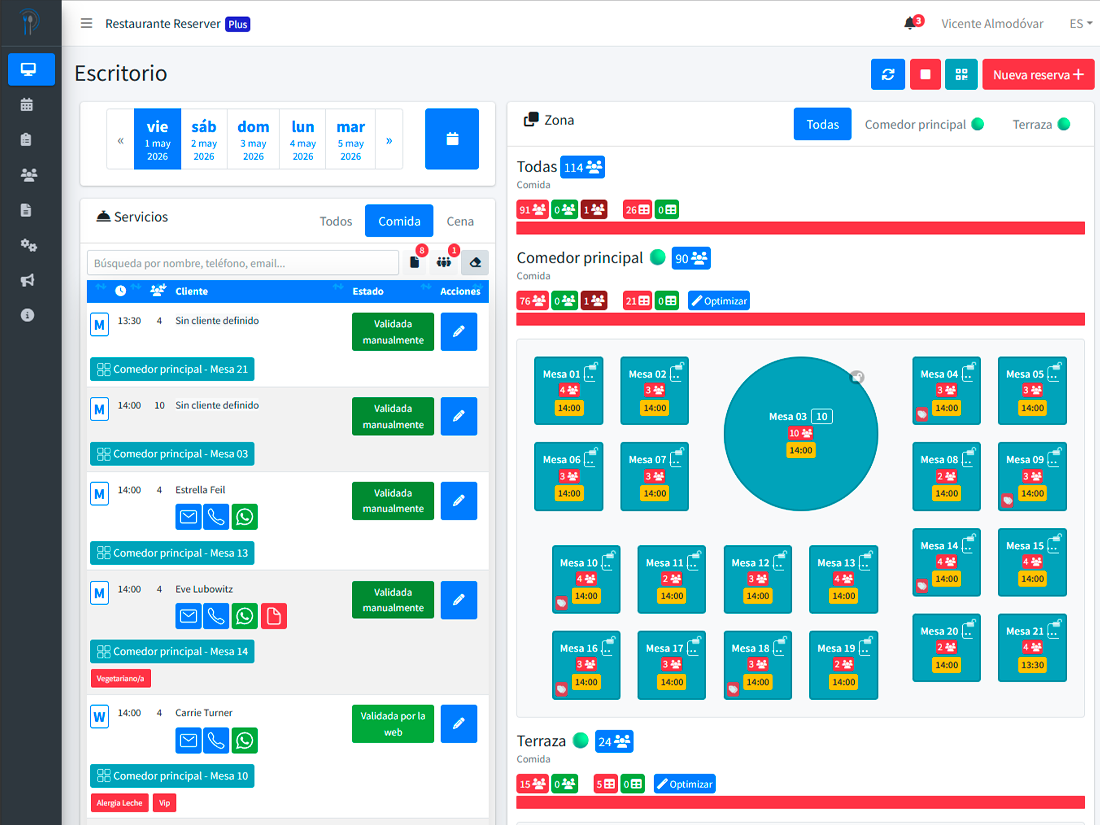
A new reservation at the stand, without leaving the screen.
From the desktop you can create a regular reservation or a walk-in (a guest arriving without booking) in one tap. Service and zone are pre-set by context, so you only enter name, party size and table. The reservation appears immediately in the list and on the floor view.
- "New reservation" button always visible in the header.
- Walk-in button for tables that arrive unannounced.
- In-place edits: change time, table or state without leaving the desktop.
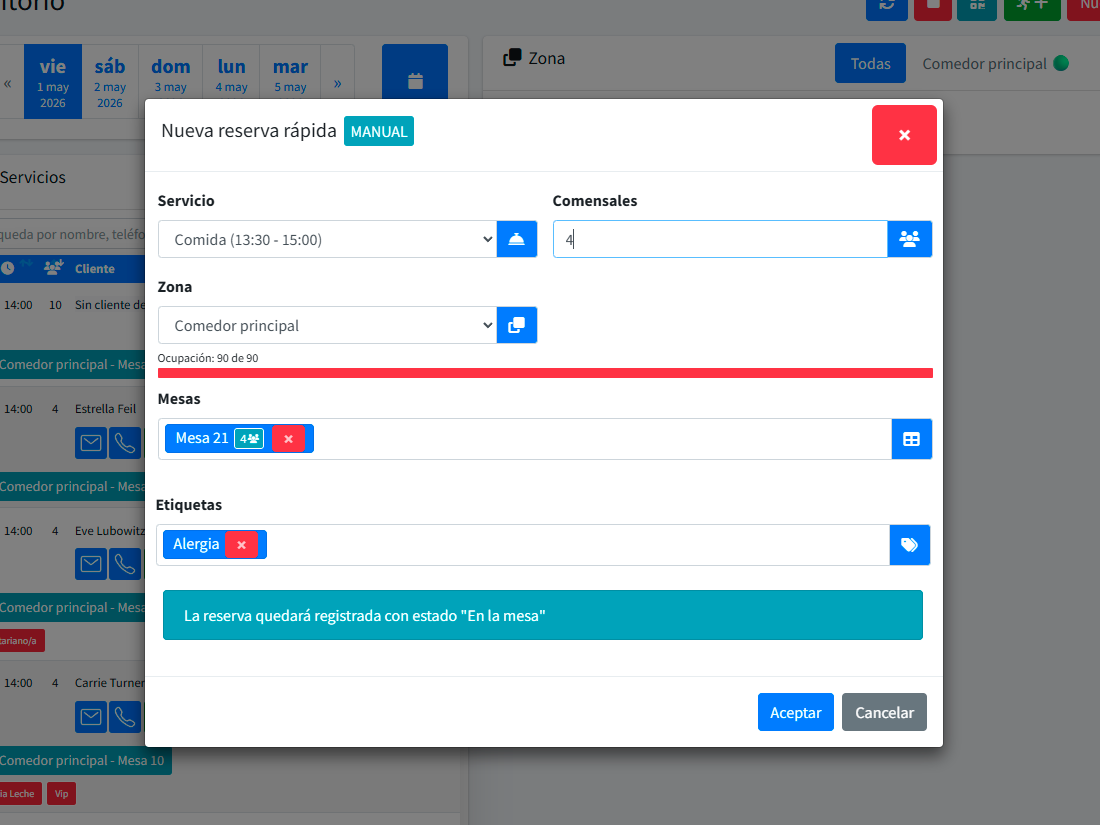
Finding "Pérez at 21:00" shouldn’t take 3 minutes.
Filter by service, zone, state, party size, or guest name. Search is instant against today’s list. When a guest walks up saying "we have a 9 pm table", you type their last name and they’re on screen in half a second.
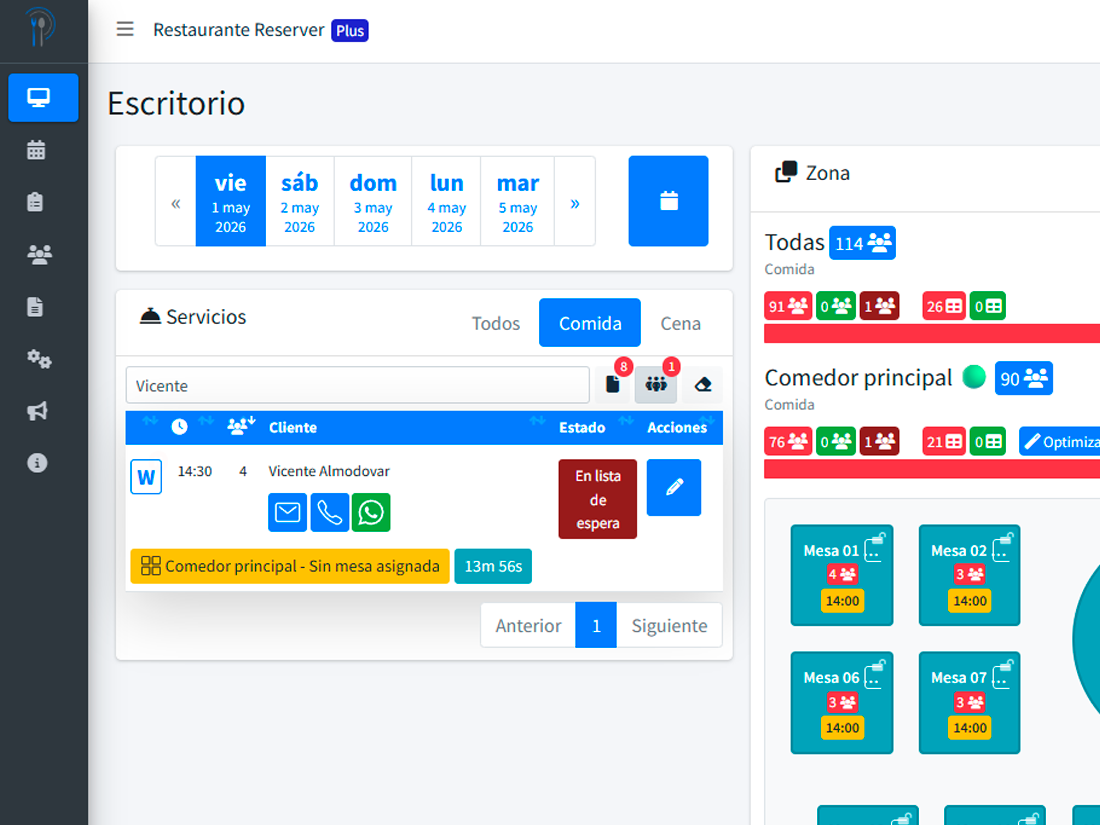
From the guest’s email to the table in 3 seconds.
Every confirmation includes a QR code. When the guest arrives, the operator opens the reader from the desktop, points the tablet camera, and the reservation is automatically marked as "seated". Zero manual lookup.
A new reservation shouldn’t go unnoticed.
Every time a booking comes in — from your site, Google Reserve, or the chatbot — the desktop chimes softly across your team’s devices. No emails no one reads, no lost internal chats. The alert lands where the action is.
- Web push: works in any modern browser, no app required.
- By event type: new booking, cancellation, guest arriving.
- Per-operator silence (the kitchen doesn’t need every alert).
What a self-updating desktop actually changes
Smoother service
The team doesn’t coordinate over WhatsApp or by shouting across the floor. The info is on screen.
Zero avoidable waits
Guests arrive, the table is assigned. The host confirms in three seconds.
Honest occupancy data
If "seated" and "completed" are marked, your analytics reflect reality.
What people usually ask
Does it work well on a tablet?
How many operators can open it at once?
Can I print the day’s desktop?
Does it work offline?
Put the desktop on the stand’s tablet. Watch the service change.
Most of our customers run it from day one. No training needed.