
When the floor’s full, they’re not lost.
If someone looks for a slot you don’t have, instead of a plain “sorry” you let them join the waiting list. Their details land in your dashboard without taking a table or blocking availability — ready for your team to call them when a seat opens.
- Captures name, phone, email, party size and desired time
- Doesn’t take tables or block service availability
- Visible in the dashboard alongside reservations, in its own list per zone and service
- Optional: ask for a card on sign-up (configurable)
From "no room" to "I’ve put you down — we’ll call if something opens".
If you have the waiting-list option enabled in your settings, when a guest accepts the waiting-list terms in the public widget their request is saved with the "waiting list" status. It captures the same fields as a normal reservation (name, email, phone, party size, date, time) and lands in your dashboard without affecting the table plan.
- The guest opts in voluntarily from the public widget.
- Same fields as a reservation, plus an explicit "seat not guaranteed" notice.
- Doesn’t validate availability or take tables (no conflict with real bookings).
- Shows up as a dedicated notification: "New waiting-list booking online".
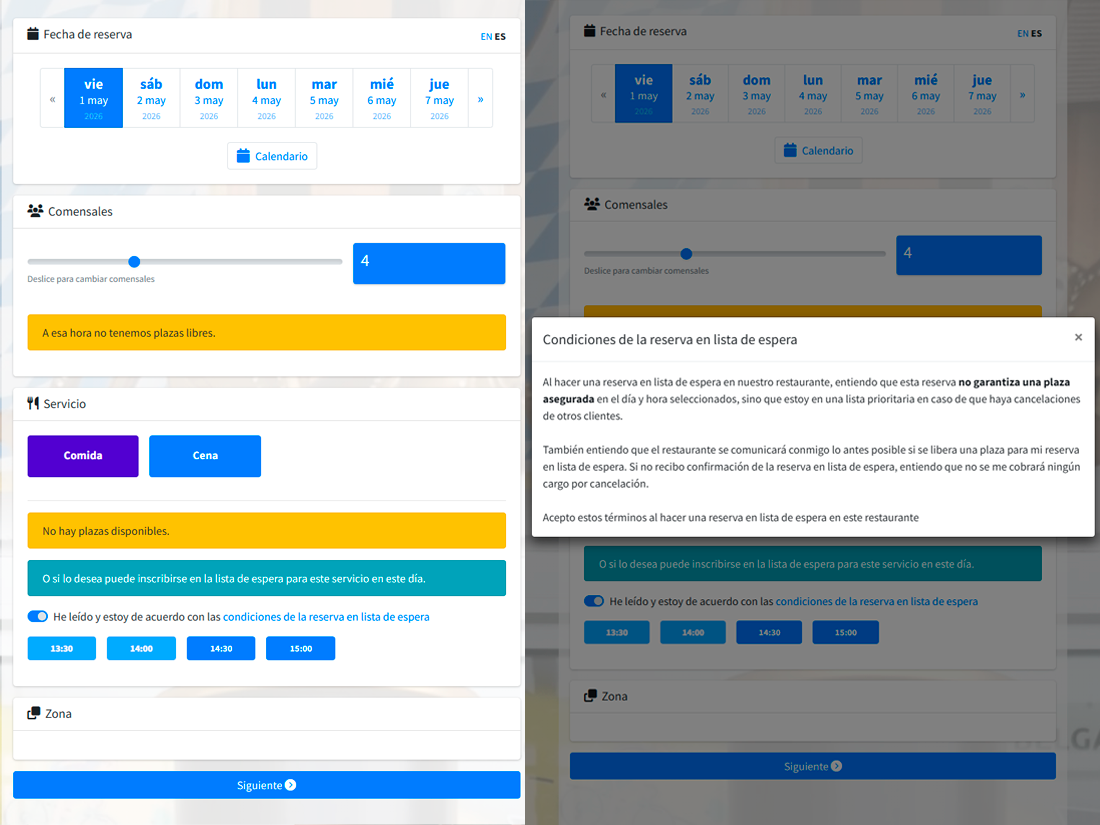
If you want to filter, you can ask for a card to join the list.
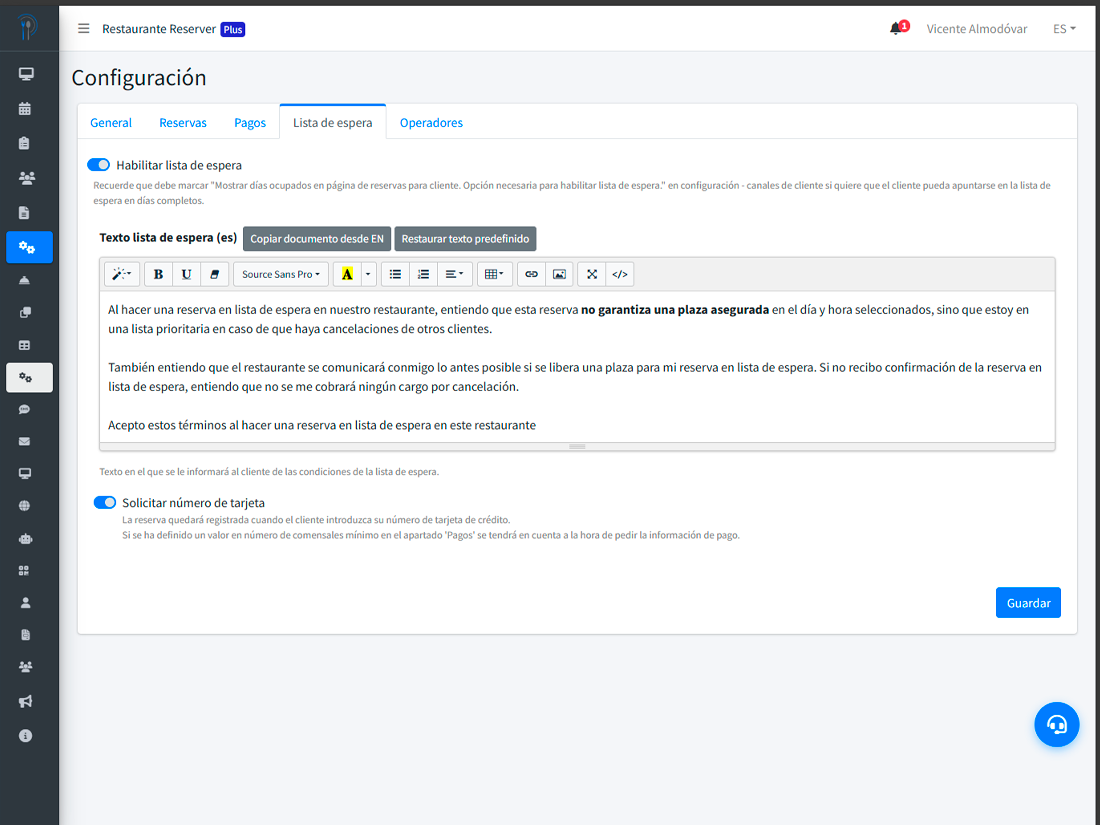
There’s a setting to require a card on waiting-list sign-up, just like a deposit reservation. Useful to filter out casual sign-ups when demand is high. If you don’t enable it, joining is free and only leaves contact details.
- One switch: waiting list on / off.
- A second switch: ask for a card on sign-up.
- Same Stripe rules as your normal paid bookings.
- If pre-authorization fails, the request is flagged accordingly in the dashboard.
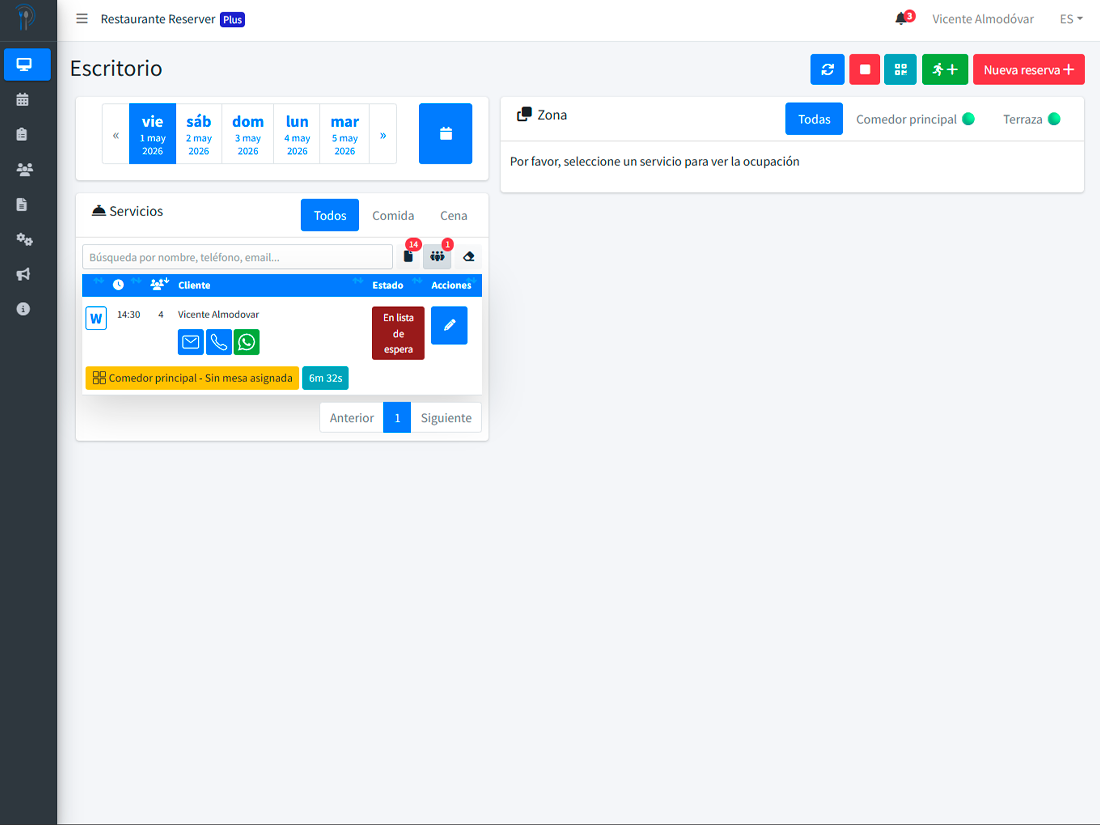
The list, where it belongs in your dashboard.
In the desktop view you see a "waiting-list guests" counter per zone and service. Open a zone and you get its own list, separated from the active reservations, with name, contacts and party size. When a slot opens and you decide to convert someone, just change their status: from that moment they count as a regular booking and can be assigned a table.
- Independent list per zone / service / day.
- Dedicated counter on each zone’s dashboard.
- Promote to active reservation by changing the request status.
- If you save it with tables assigned while still in waiting list, you get a warning: tables aren’t kept in this state.
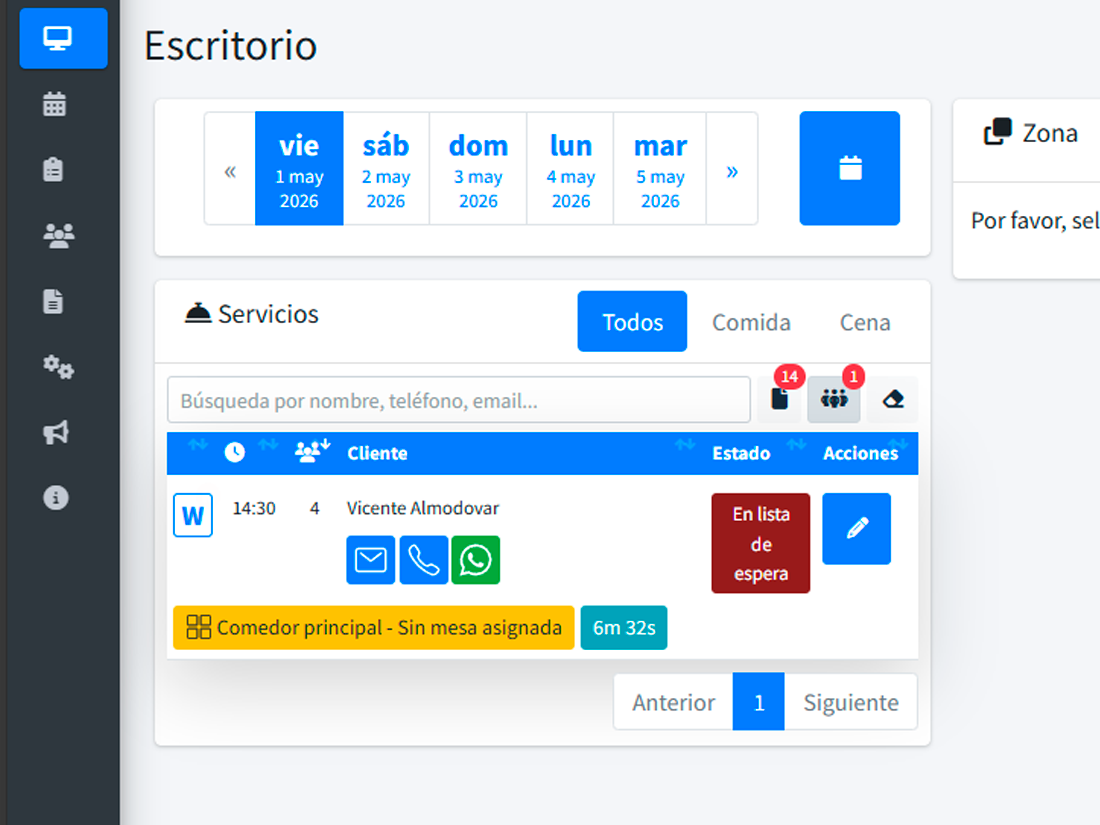
Consistent with the rest of the system.
A waiting-list request is treated as one more booking status (status 14, dark red). It appears in filterable lists, in operator notifications, and — if you have Reserve with Google connected — it’s reported as pending merchant confirmation until you decide what to do with it.
What changes when you capture the people you couldn’t fit
Cancellations that don’t hurt
When a table opens, you already have a candidate list to call — you don’t start from scratch.
Guests you don’t lose
Instead of closing the tab on a "sorry, full", they stay with you. Next time, they come back.
Demand visibility
You know how many wanted in and didn’t fit. Useful when deciding to expand capacity or services.
What people usually ask
Does Reserver call the guest automatically when a table opens?
Does a waiting-list request take a table or reduce availability?
How do I move a request from the list to a real booking?
Can I ask them for a card on sign-up?
How does it look to the guest?
Don’t close the door when you’re full. Capture who didn’t fit.
Flip one switch. Capture requests without blocking tables and decide whom to bring back.